Padre paper trading,
right on the real chart
Moonsnipe is a free Chrome extension that turns Padre (trade.padre.gg) into a memecoin paper trading terminal. Practise Solana memecoins with fake SOL on the real coin page — same prices, same speed — without a wallet and without risking money.
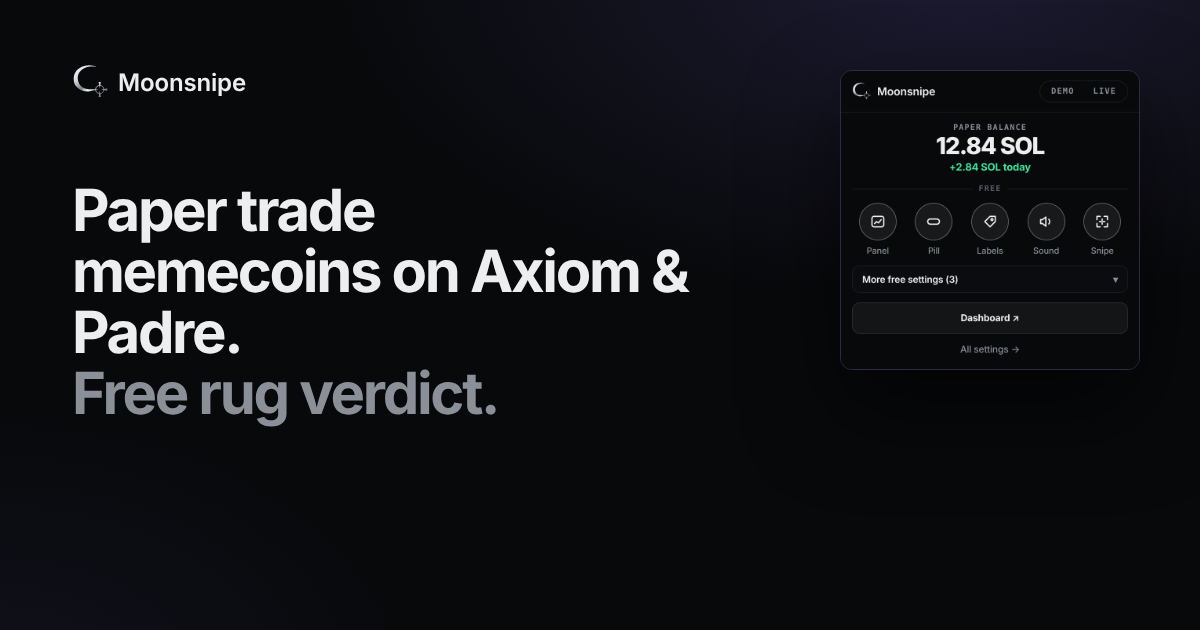
How to paper trade on Padre
- Add Moonsnipe to Chrome and pin it.
- Open any coin on trade.padre.gg. A PAPER panel appears next to the chart with 10 fake SOL.
- Buy with one click (0.1 / 0.5 / 1 / 5 SOL or your own amounts), sell 25 / 50 / 75 / 100 %.
- Set a stop-loss or take-profit — they show as lines on the chart.
- Watch your balance and PnL in the pill, then review every trade on your free dashboard.
What you get on Padre
- Padre-style paper trading panel — presets P1–P3, priority fee and slippage, buttons that match the site's colours.
- Stop-loss, take-profit and limit orders drawn on the Padre chart.
- OG / VAMP labels on Padre Trenches: see which coin launched first and which ones are copies.
- Tweet snipe — watch a tweet on J7Tracker or Uxento and the first coin that links it lights up on Padre new pairs.
- Rug checks — bundles, insiders, top-10 holders and the dev's launch history on the coin page.
- PnL cards and a daily recap for every paper trade.
Safe by design
Moonsnipe never asks for a private key or seed phrase, never connects a wallet for paper trading, never clicks Padre's own Buy or Sell buttons and never sells anything by itself. Every paper surface is labelled PAPER.
Questions
Can you paper trade on Padre?
Padre has no built-in paper trading. Moonsnipe adds it: install the free Chrome extension, open any coin on trade.padre.gg and a PAPER panel appears with fake SOL. Your trades use the live market cap shown by Padre.
Is Padre paper trading free?
Yes. Paper trading in Moonsnipe is free, with 10 fake SOL to start and a free dashboard for your trade history.
Does it connect to my wallet?
No. Paper trading never connects a wallet, never asks for a private key or seed phrase and cannot move funds. It never clicks the real Buy or Sell buttons.
Are paper fills realistic?
Each fill uses the live market cap on the page plus your fee, priority fee and slippage settings, and stop-loss / take-profit only trigger on fresh live prices.
Does it work with Padre Terminal themes?
Yes. The panel copies the Padre Terminal colour theme (including noir and light themes) so it looks like part of the site.